When a staff member join or leaves the Housing Counseling Program at your agency, your Agency Manager should let the Center know as soon as possible. If you are a HUD-approved organization under the Center, we are required to inform HUD within a certain amount of time from the staff’s start or end date.
<aside> 💡
TLDR: You can inform us of these employment changes quickly and easily via a form Agency Managers can find on your org’s Agency record.
</aside>
Continue below for a short tutorial video followed by step-by-step instructions for completing the form. After submitting the Staff Changes form, make sure to go back to your Agency record and confirm that the Agency Contacts accurately reflect their employment status and, if applicable, HUD designations.
https://embed.app.guidde.com/playbooks/mj39dUi8LjWTdzgSQi118V
This tutorial video covers how to complete the Staff Change Update Form in HomeKeeper when you have staff departures or new staff.
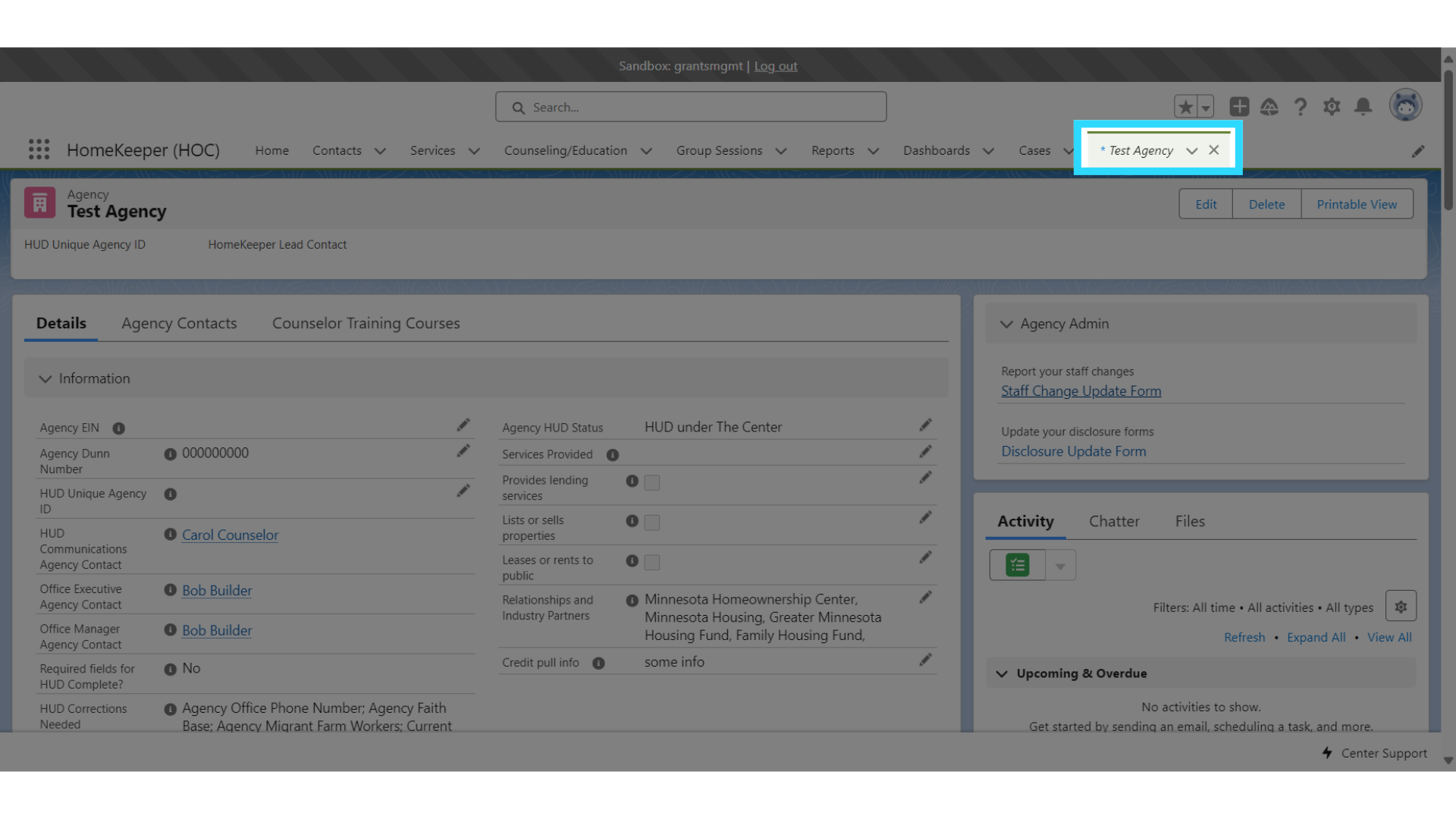
To make updates to your staff, go to your Agency record in HomeKeeper. To find it, simply use the global search at the top to look for your agency by name.
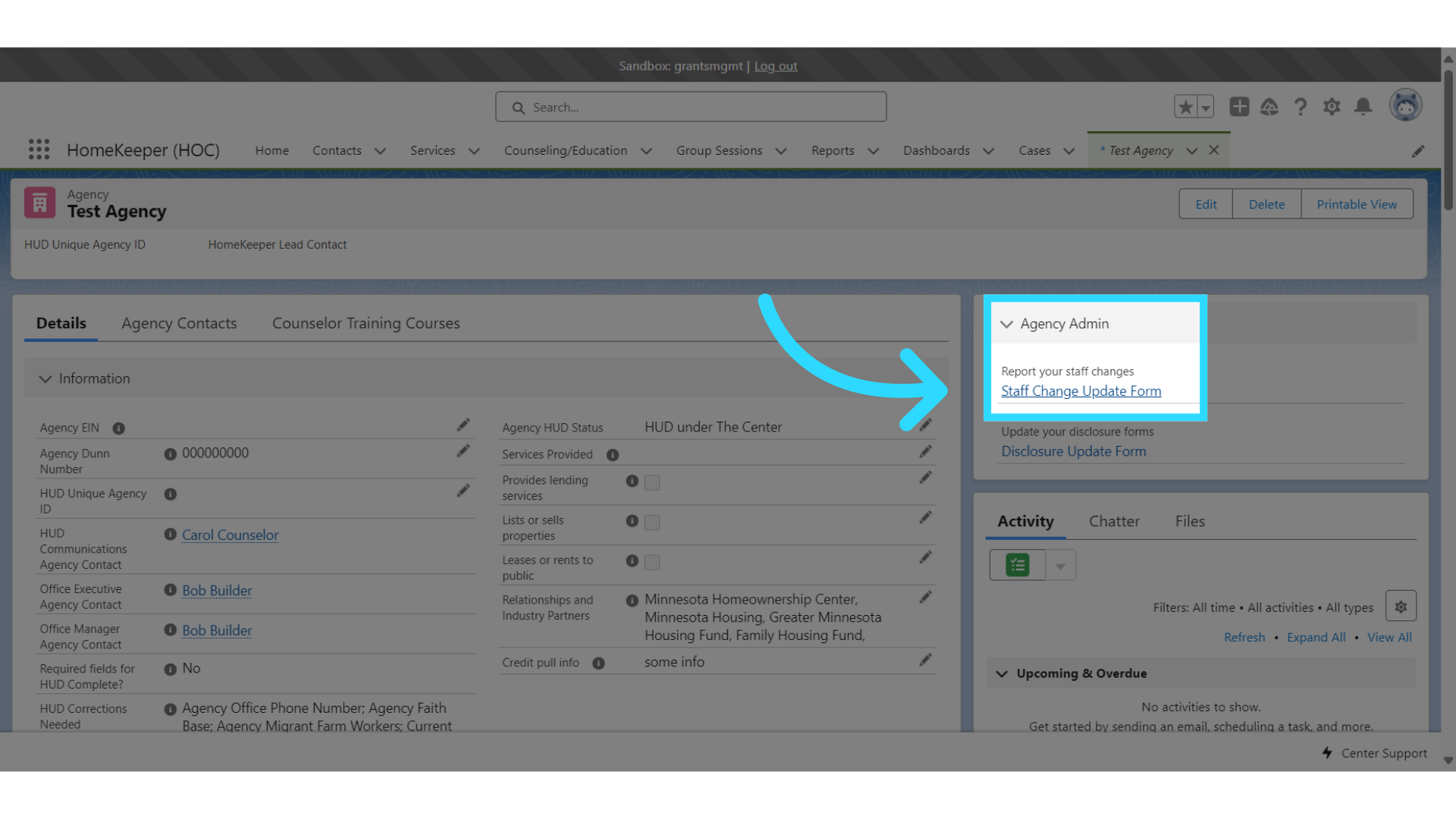
Select the Staff Change Update Form under Agency Admin.
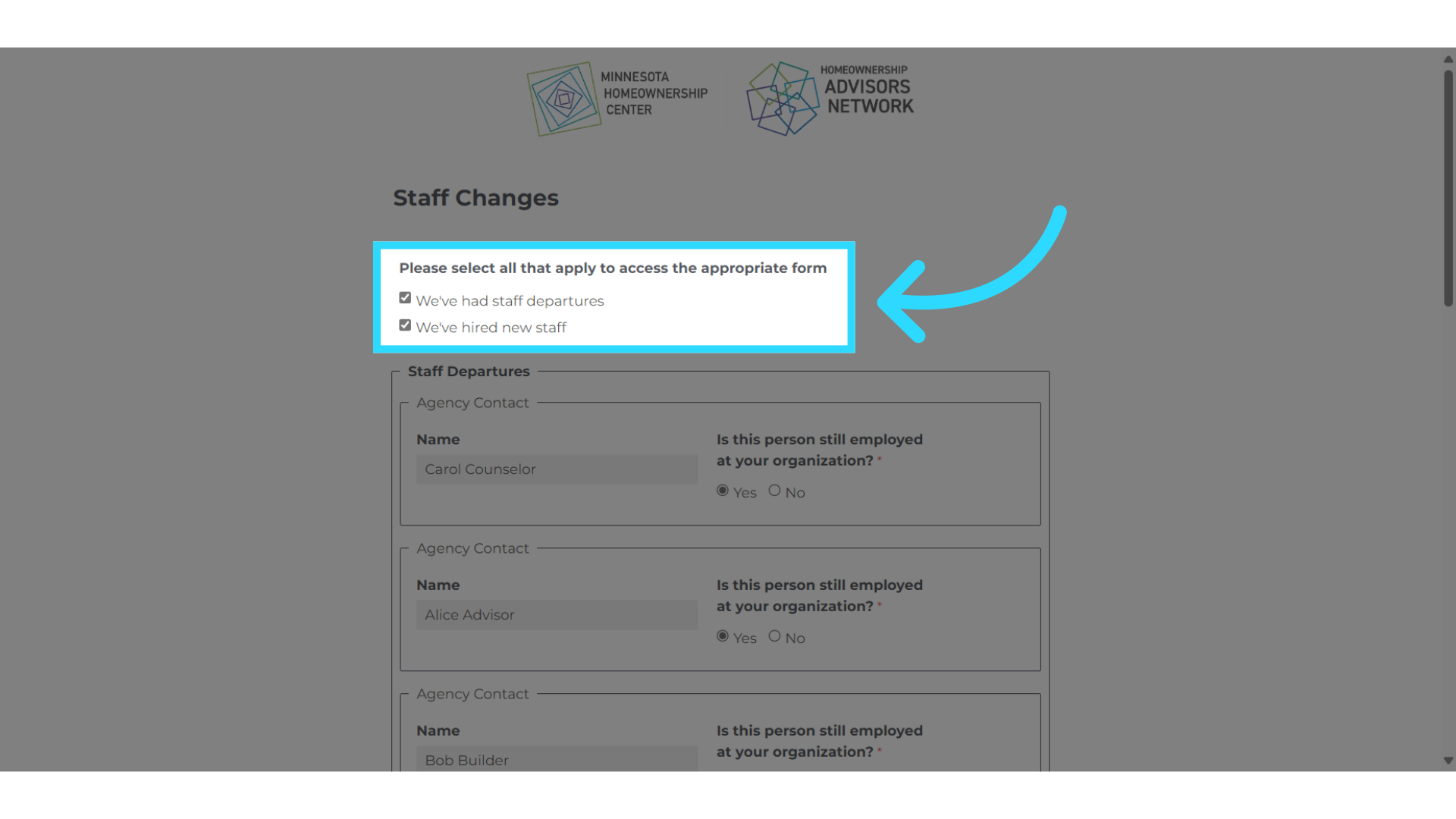
There are two forms, Staff Departures and New Staff.
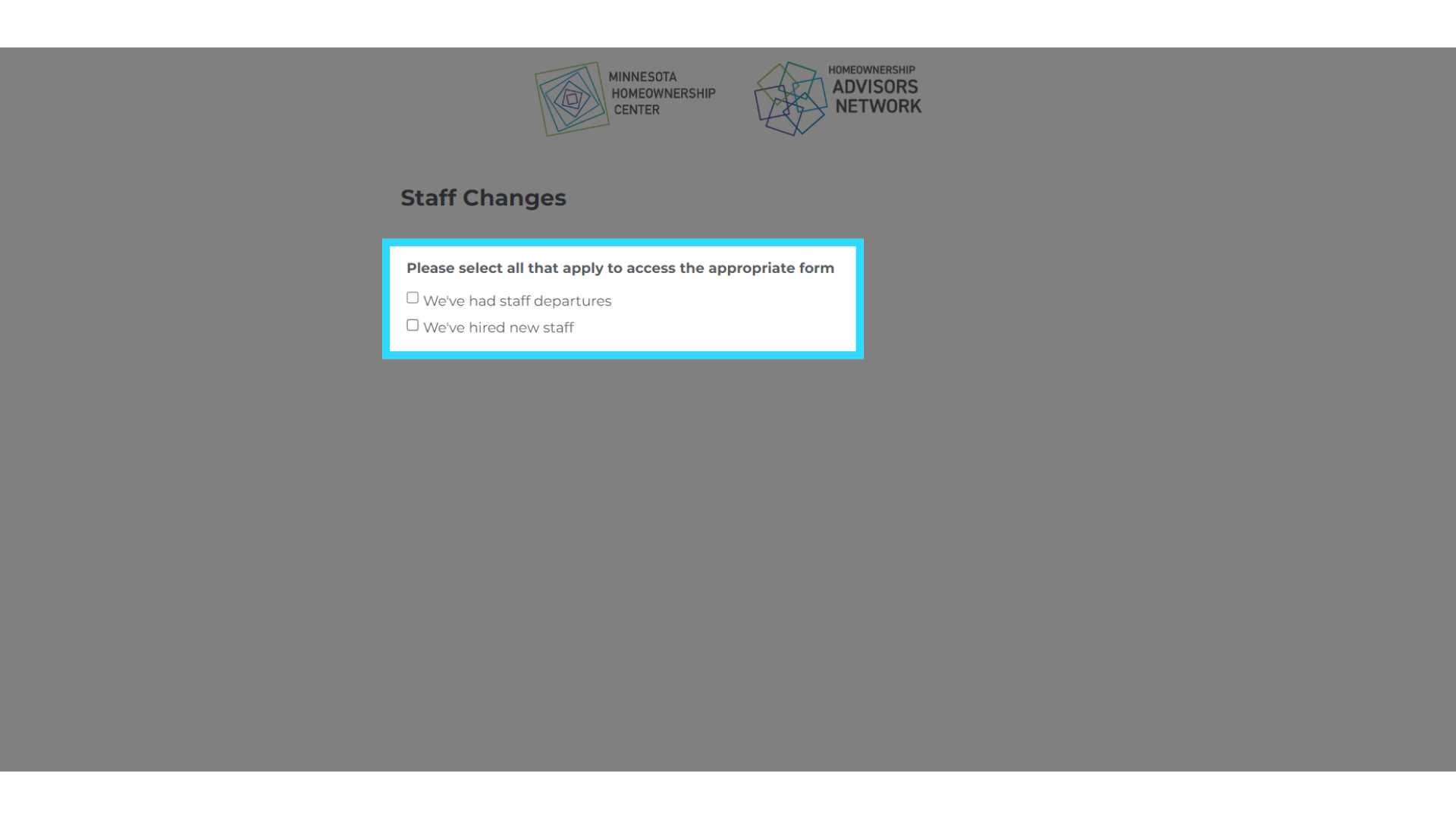
Select the boxes for the forms that apply. In this tutorial, we will select both the staff departure and new staff boxes.